Create campaigns in seconds.
Describe your idea. Let Sendvio AI build the campaign, then refine every detail.
EMAIL MARKETING FOR SHOPIFY
Turn a brief into a branded campaign in seconds with Sendvio AI. Personalize it with Shopify data, create language versions together and make every detail yours before sending.
Free 7-day trial of premium features Cancel anytime
 Sendvio email editor Product preview
Create an abandoned-checkout journey for carts over $50. Send a reminder after 15 minutes, 10% off after 4 hours, and a final 15% offer after 18 hours. For this demo, include English, French and Spanish versions of each email in the same workflow.
Describe your idea. Let Sendvio AI build the campaign, then refine every detail.
Use customer preferences and purchase history to make each message more relevant.
Create language versions together and connect with customers in up to 35 languages.
CREATE. PERSONALIZE. SEND. IMPROVE.
Start with AI or a saved template, apply your brand and personalize the message. Then use the results to make the next campaign even better.
Describe your campaign to AI or choose a design from your own gallery.
Apply your color palette with one click. Edit content and language versions.
Choose the audience, preview the email and schedule your campaign.
Review engagement, attributed orders and revenue to guide the next send.
YOUR OWN TEMPLATE GALLERY
Build a gallery of your own templates for product launches, promotions and newsletters. Reuse the layouts you’ve made your own to keep every campaign consistent with your brand.
Apply your brand colors to any template, then refine images, content, buttons and spacing in the editor.
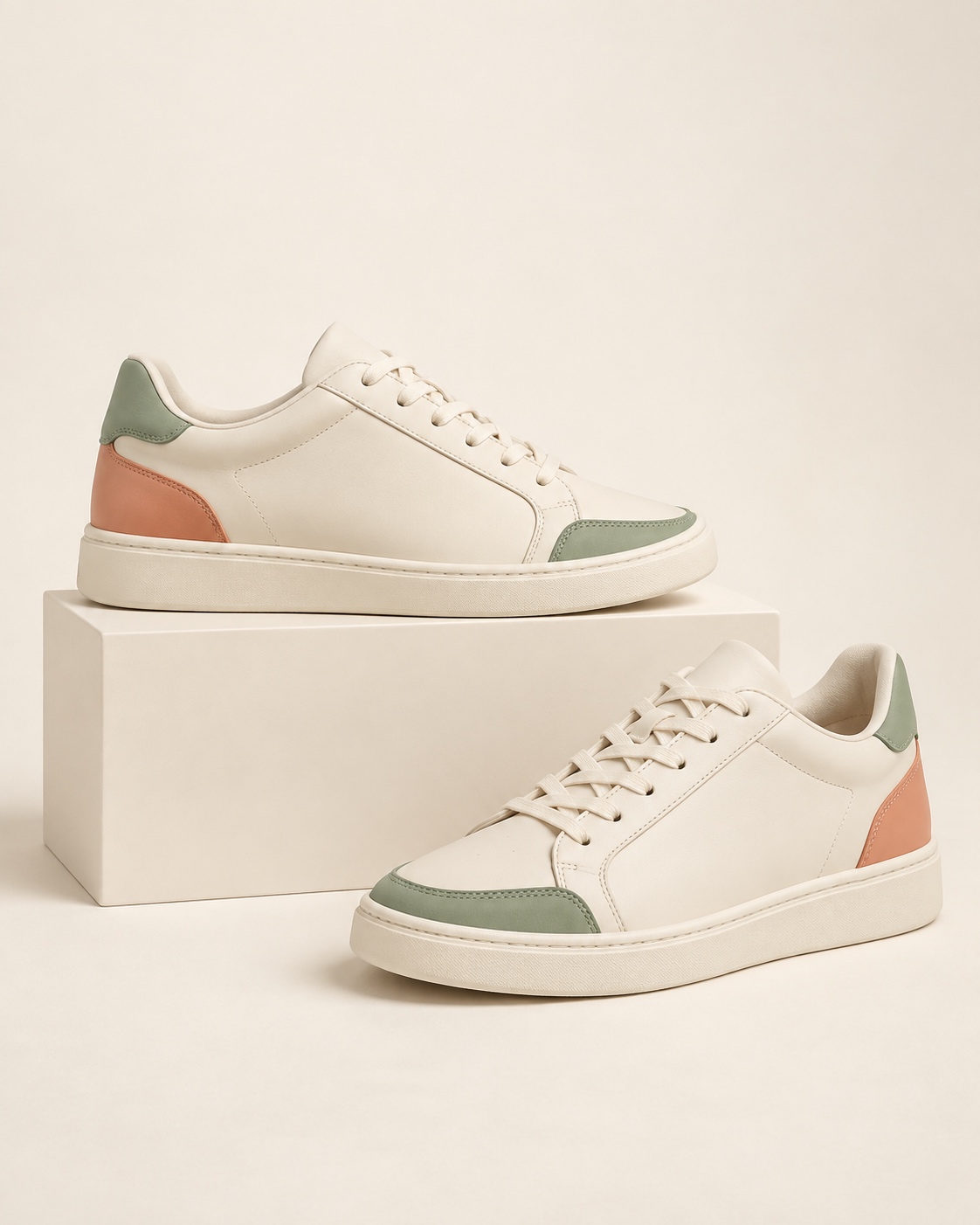
The new collection is here.

Discover this week’s picks.
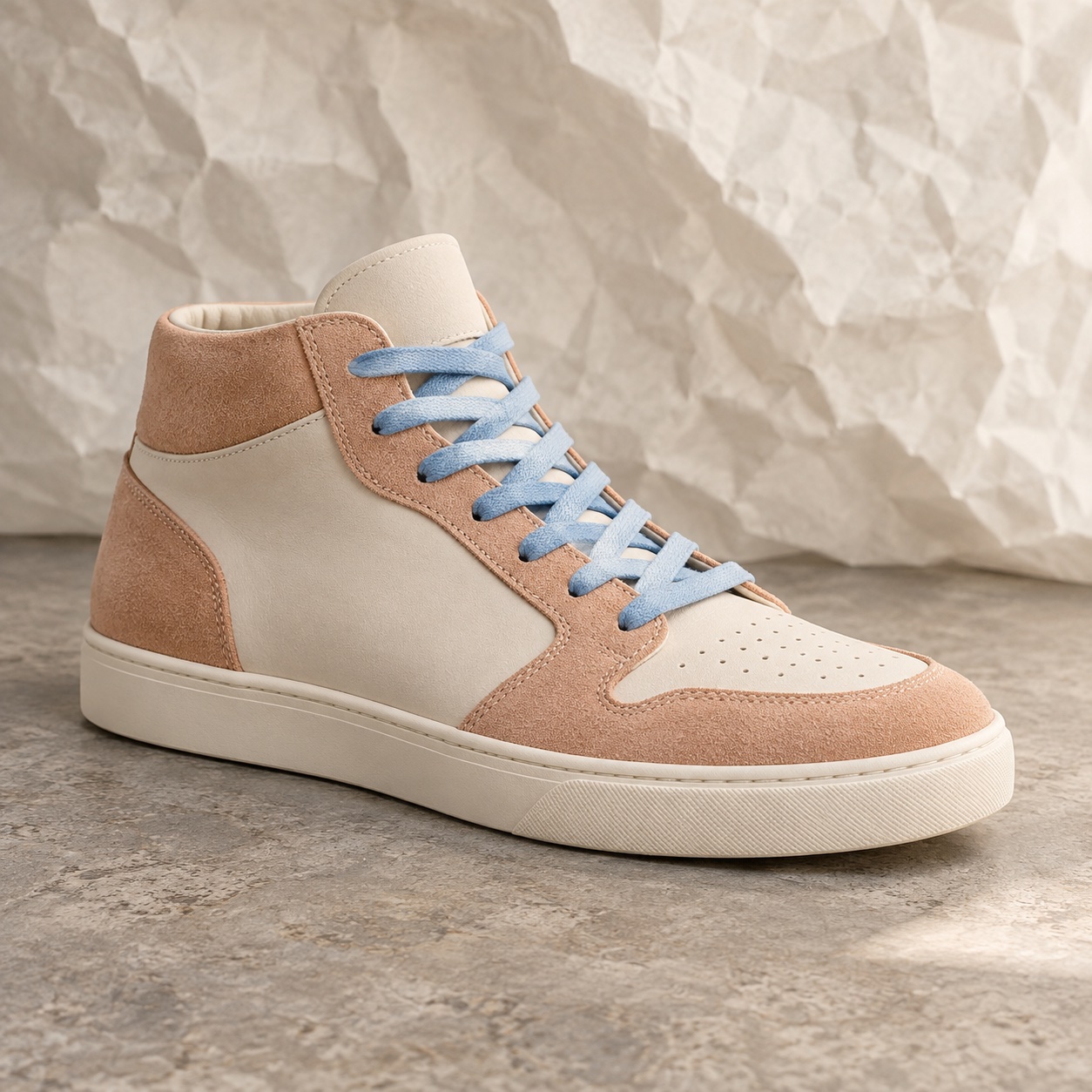
Ideas for your everyday.
Give Sendvio AI your goal, products and offer. Create the campaign in seconds, then review and refine the result.
Use Shopify product details and relevant recommendations. Bring imagery together with Shopify media and Canva.
Create or import unique codes, apply them from email links and keep each customer’s code consistent across follow-ups.
Edit in the visual editor or use your own HTML. Choose web-safe fonts, preview different screens and check discount eligibility, expiry and usage limits.
Build segments using purchases, engagement, tags and metafields. Schedule the campaign and use send-time optimization.
CAMPAIGN PERFORMANCE
Track engagement, attributed revenue and discount use together. Use the results to refine your next campaign.
Track opens and clicks to understand how subscribers interact with your message.
Review attributed orders and revenue alongside engagement to understand each campaign’s contribution.
See discount redemptions alongside campaign results to understand how customers use your offers.
Use each campaign’s results to refine your next message, audience and offer.
CONNECTED BY DESIGN
Create multilingual content with support for 35 languages. Review and refine the versions in one editor, so a translated message stays part of the same campaign—not a separate project.
Explore multilingual marketingDELIVERABILITY PROTECTION
Email address verification helps identify invalid and risky addresses before sending. Sender authentication, warming and rewarming support a healthier sending reputation. These safeguards work alongside your targeting and content—not in place of them.
Explore email deliverability protectionA FEW MORE DETAILS
Yes. Start with an announcement, educational message, seasonal campaign, customer update or another goal. You can also use the same creation tools for emails inside automated customer journeys.
Yes. Review the content, design, personalization and language versions in Sendvio. You decide what to send and when.
Campaigns let you send a planned message to an audience. Automations respond to customer behavior and timing you configure. Both use your Shopify customer data, content tools, discounts and multilingual capabilities.
YOUR NEXT EMAIL CAMPAIGN
Build it with AI, refine the design and language versions, and send with email deliverability protection in the same platform.
Get a free 7-day trial of premium features Cancel anytime