
Welcome message
Introduce your store or offer an incentive when someone arrives on a specific page.
- WHERE
- A selected page
- WHEN
- Visitor arrives
SIGN-UP FORMS & POPUPS FOR SHOPIFY
Launch targeted offers, announce special sales and create seasonal popups with AI. Match the message to the moment and your customer’s language, then connect new subscribers to advanced workflows.
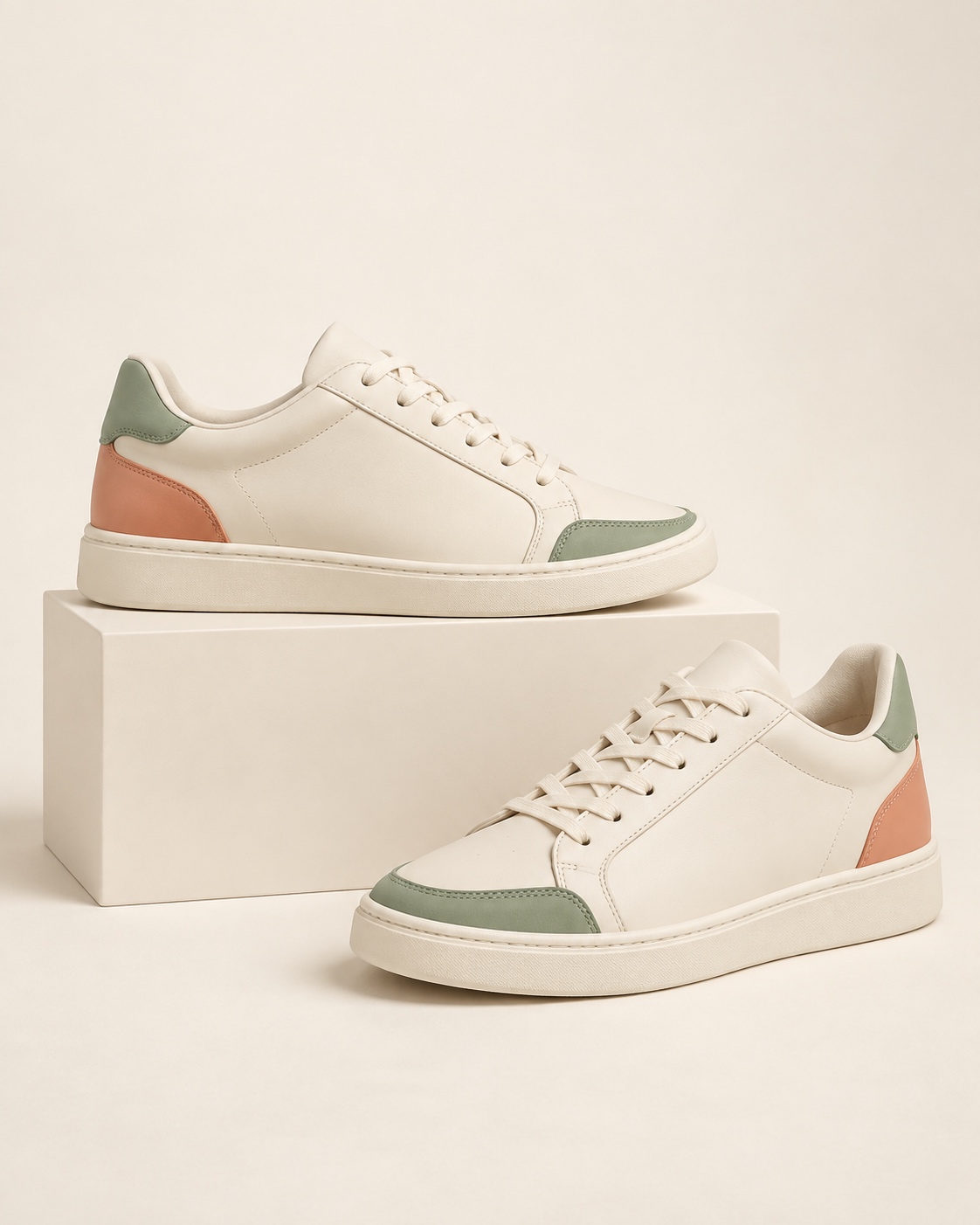
Join our list for new arrivals, thoughtful picks and your welcome offer.
Subscribe for news and offers. Unsubscribe anytime.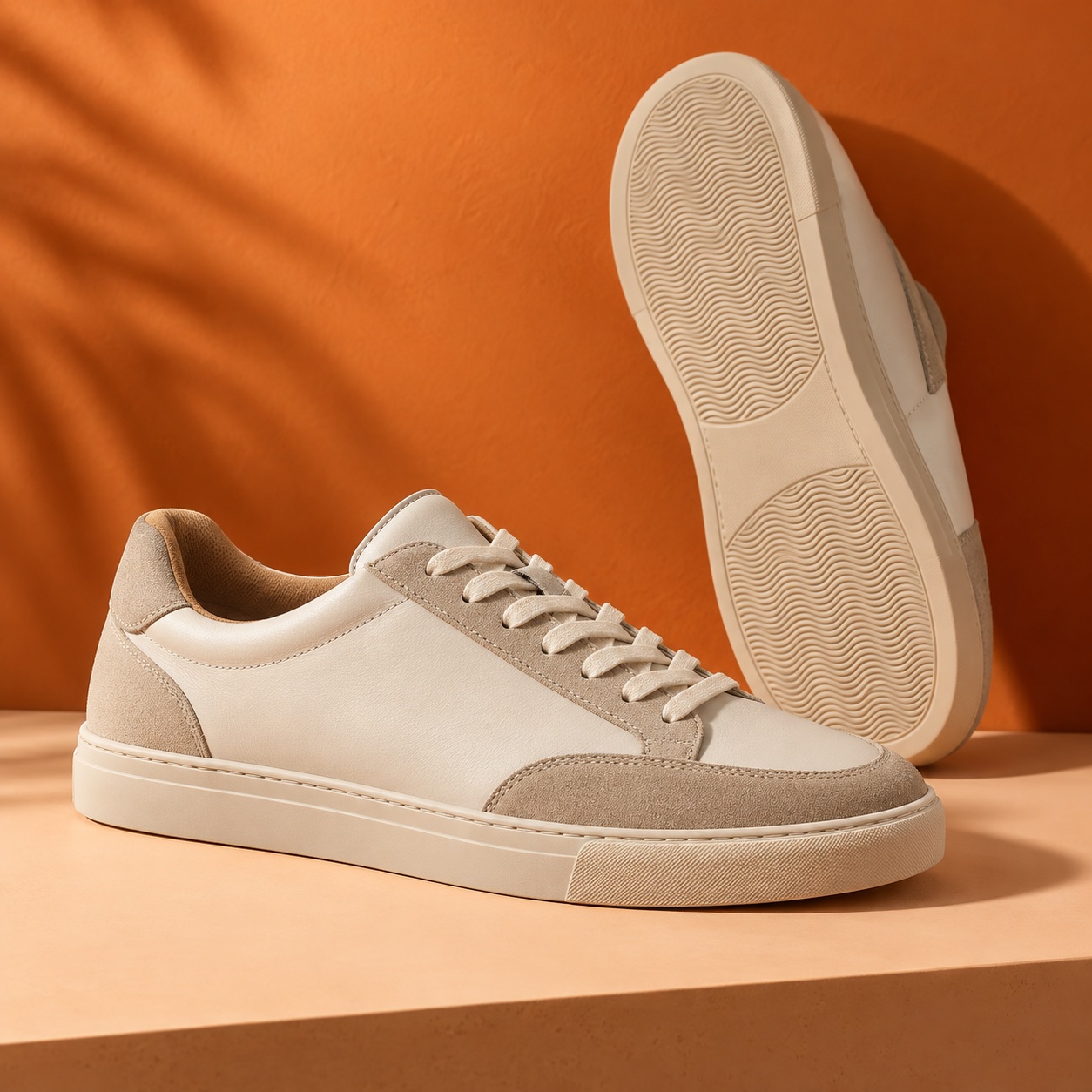
Let the next collection come to you. Subscribe for new arrivals and store news.
Subscribe for news and offers. Unsubscribe anytime.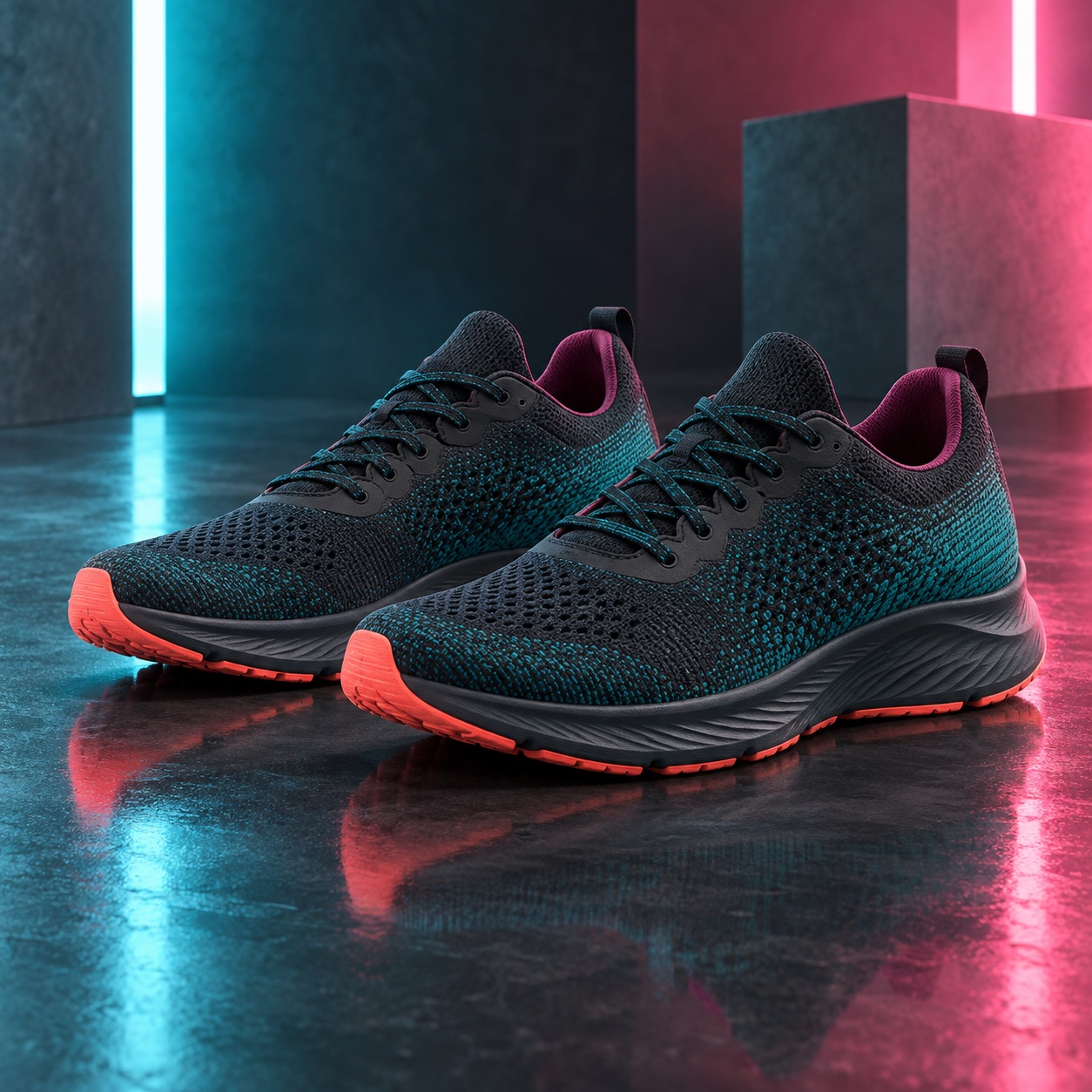
Sign up for your offer and take another look at your favorites.
Subscribe for news and offers. Unsubscribe anytime.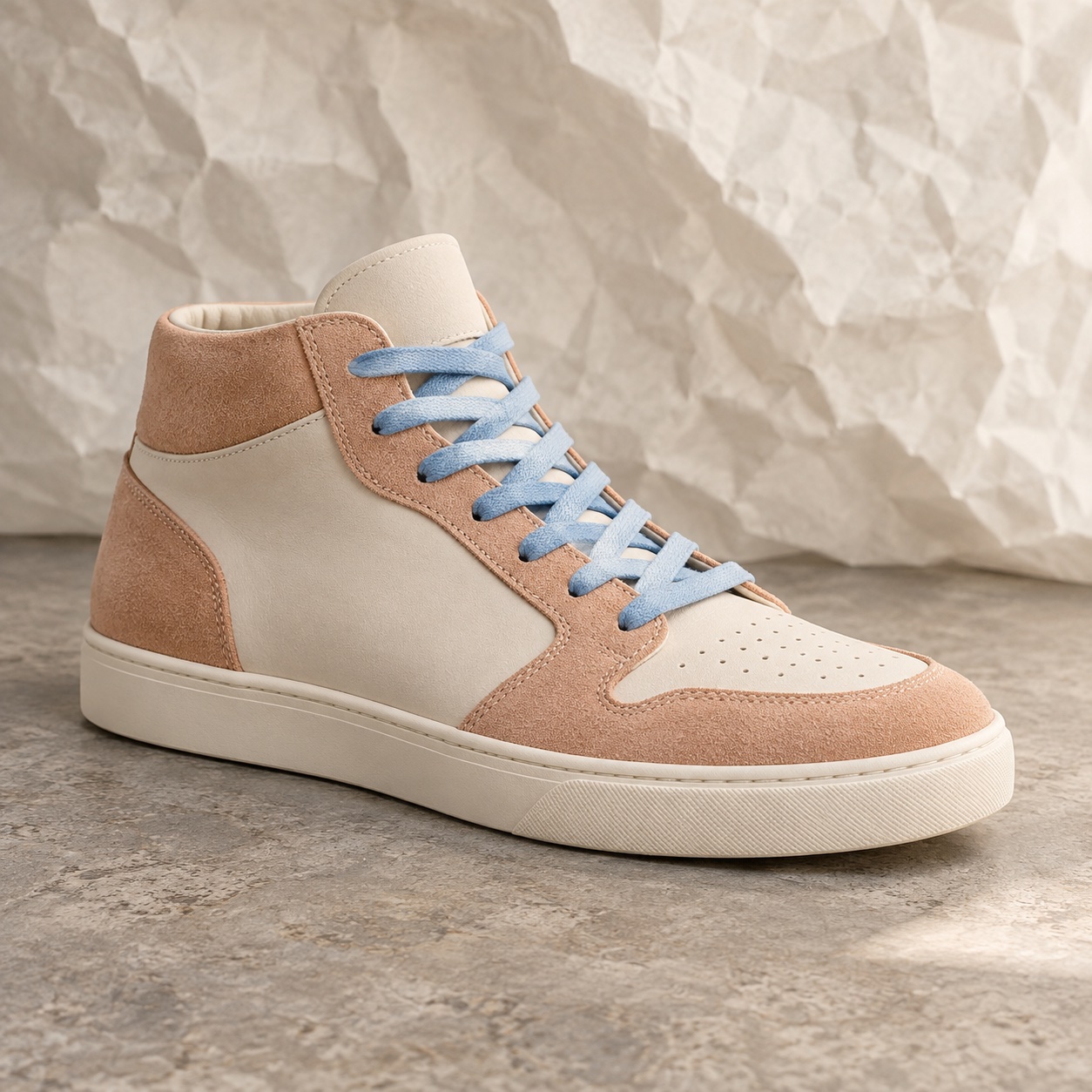
Explore special prices on selected styles this weekend.
Discover the colors and everyday essentials of our latest collection.
Welcome visitors with an invitation that fits the page.
Offer a reason to stay connected before a visitor leaves.
Show a relevant offer when a shopper is about to leave the cart.
Make subscribing a natural part of the storefront.
Announce a sale and direct shoppers to the featured collection.
Adapt your design and offer for holidays, launches and seasonal events.
TIMING & TARGETING
A welcome offer, a sale announcement or a final incentive can serve different goals. Combine triggers and display rules to show the right message at the right point in the visit.
Introduce your store or offer an incentive when someone arrives on a specific page.
Make a final offer or invite visitors to stay in touch when they are about to leave.
Give shoppers considering their cart a relevant offer before they leave the page.
OFFERS, PROMOTIONS & SEASONAL CAMPAIGNS
Use popups to introduce an offer, draw attention to a promotion or bring a seasonal campaign to life. Guide shoppers to featured products or invite them to subscribe.
Welcome a new visitor with an offer, or present a final incentive when a shopper is about to leave the cart.
Pair a relevant offer with page targeting and the appropriate welcome or exit trigger.
Selected styles. Special prices.
Announce a limited-time promotion and guide shoppers to the products or collection featured in your sale.
Coordinate the popup’s start and end dates with the promotion and choose where it appears.
Refresh your imagery, colors and copy for holiday gifting, Black Friday, seasonal collections or a new launch.
Adapt the design and language versions while keeping the offer consistent across your campaign.
FROM AN IDEA TO A COMPLETE CAMPAIGN
Keep the offer, popup and follow-up working together.
Explore discount tools →Grow your list, promote a collection or give shoppers an incentive to purchase.
Combine page, language, trigger, schedule and frequency rules.
Direct visitors to the promotion, or collect a subscription and continue in a tailored workflow.
AI CREATION. YOUR BRAND.
Sendvio AI creates multilingual popups in seconds, from signup incentives to seasonal promotions. Refine the design, call to action and display rules before you publish.
“Create a Black Friday popup in English, French and Spanish. Use our brand colors, highlight the offer and direct shoppers to the sale collection.”Explore Sendvio AI →
Make the invitation feel at home in your storefront.
Choose typography and spacing that suit your brand.
Edit the questions, labels and call to action.
Preview the layout and refine it for each screen.
MULTILINGUAL FROM THE FIRST INTERACTION
Create templates in up to 35 languages. Set language targeting for the popup and continue with the corresponding messages in your subscriber workflow.
New arrivals and inspiration, straight to your inbox.
You’re on the list. Discover the collection and find your next favorite.
ADVANCED SUBSCRIBER WORKFLOWS
Deliver the promised offer, introduce your brand and tailor what comes next. Build advanced automations with triggers, conditions, delays, branches and exit rules.
Connect customer tags and metafields to Shopify Flow.
LEARN & IMPROVE
Compare offers, headlines and designs with A/B testing to learn what resonates.
Track views, submissions and conversion performance to guide your next changes.
Use signup preferences in segments, campaigns and personalized follow-ups.
A FEW MORE DETAILS
Yes. Describe the audience, offer, fields and style you want. Use Sendvio AI to create the popup and refine it in Sendvio before publishing.
You can save responses as Shopify customer tags or metafields. Use those values to organize your audience, personalize messages and determine follow-ups.
Forms collect signups and customer preferences; popups can also announce offers and promotions. Widgets add experiences such as back-in-stock signup, review displays or a WhatsApp contact button. Each has dedicated tools in Sendvio.
POPUPS, FORMS & AUTOMATIONS TOGETHER
Promote the offer, grow your audience and connect the next message—in your customer’s language.